
How to Make a WiFi QR Code so Guests Connect Without Typing Passwords
Never spell out complicated WiFi passwords again. Create printable QR codes that connect smartphones to your wireless network in one second.
Step-by-Step Visual Tutorial Available
Want interactive visual diagrams and print sizing formulas? Check out our visual guide.
Spelling out complex WiFi passwords containing numbers, symbols, and mixed cases is a hassle for guests and customers. With a WiFi QR code, connection takes exactly one second.
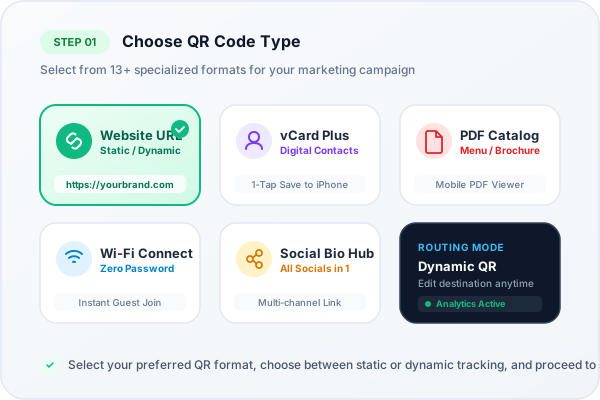
Zero-typing instant WiFi camera connection specification
How Smartphone Cameras Connect to WiFi
Both iOS (iPhone) and Android have native support for the WiFi QR code specification. When pointed at the QR code, the camera parses the network credentials and displays a prompt: 'Join [Network Name] Network?'. Tapping the prompt connects the device automatically.
The Security Advantage of Wi-Fi QR Codes
In hospitality environments like boutique hotels, busy cafes, and coworking spaces, sharing Wi-Fi passwords on chalkboard signs poses two major problems: customers constantly mistype complex alphanumeric passwords (mixing up capital 'O' with zero '0'), or staff simplify the password to something insecure like coffee123.
By generating an encrypted Wi-Fi QR Code with QR Generator Ishvanihub, you can configure an enterprise-strength 32-character WPA2/WPA3 password. The password is mathematically embedded into the matrix. Guests never have to read or transcribe the key; their smartphone camera recognizes the WIFI:T:WPA;S:MyNetwork;P:MyPassword;; protocol string and establishes a secure TLS handshake automatically.
Support for Hidden and Dual-Band Networks
Our studio supports hidden SSIDs (networks that do not broadcast their beacon name). When generating your code, simply toggle the 'Hidden Network' switch. The generated QR code instructs the smartphone to query the specific hidden broadcast name directly, ensuring seamless connection for private executive boardrooms and VIP lounge areas.
Ready to Create Your Custom QR Code?
Start generating scannable QR codes with custom colors, company logo, and lossless vector SVG export in seconds.